![Tolerisk Logo 2023-3.png]](https://21417375.hs-sites.com/hs-fs/hubfs/Tolerisk%20Logo%202023-3.png?height=40&name=Tolerisk%20Logo%202023-3.png)
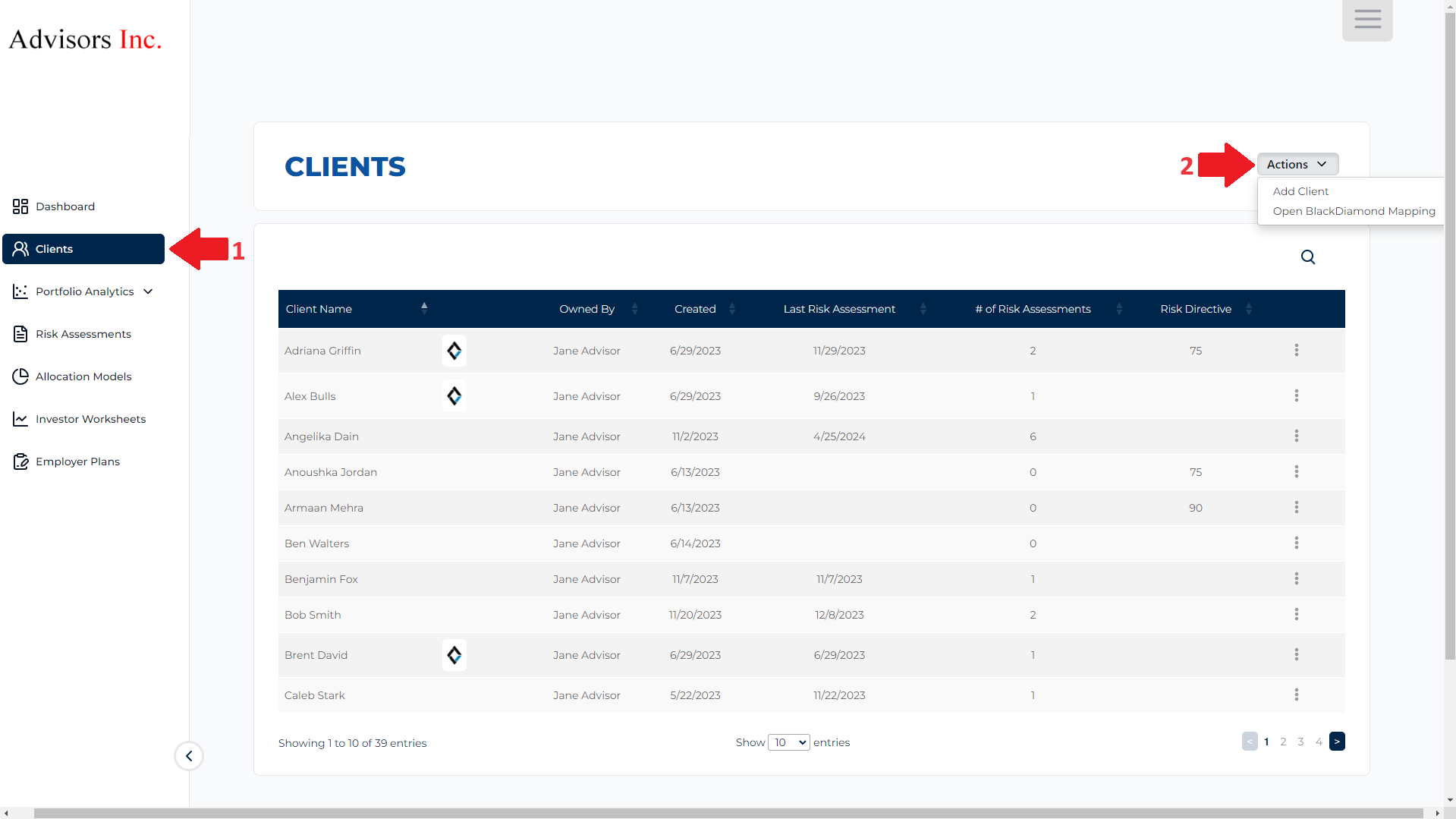
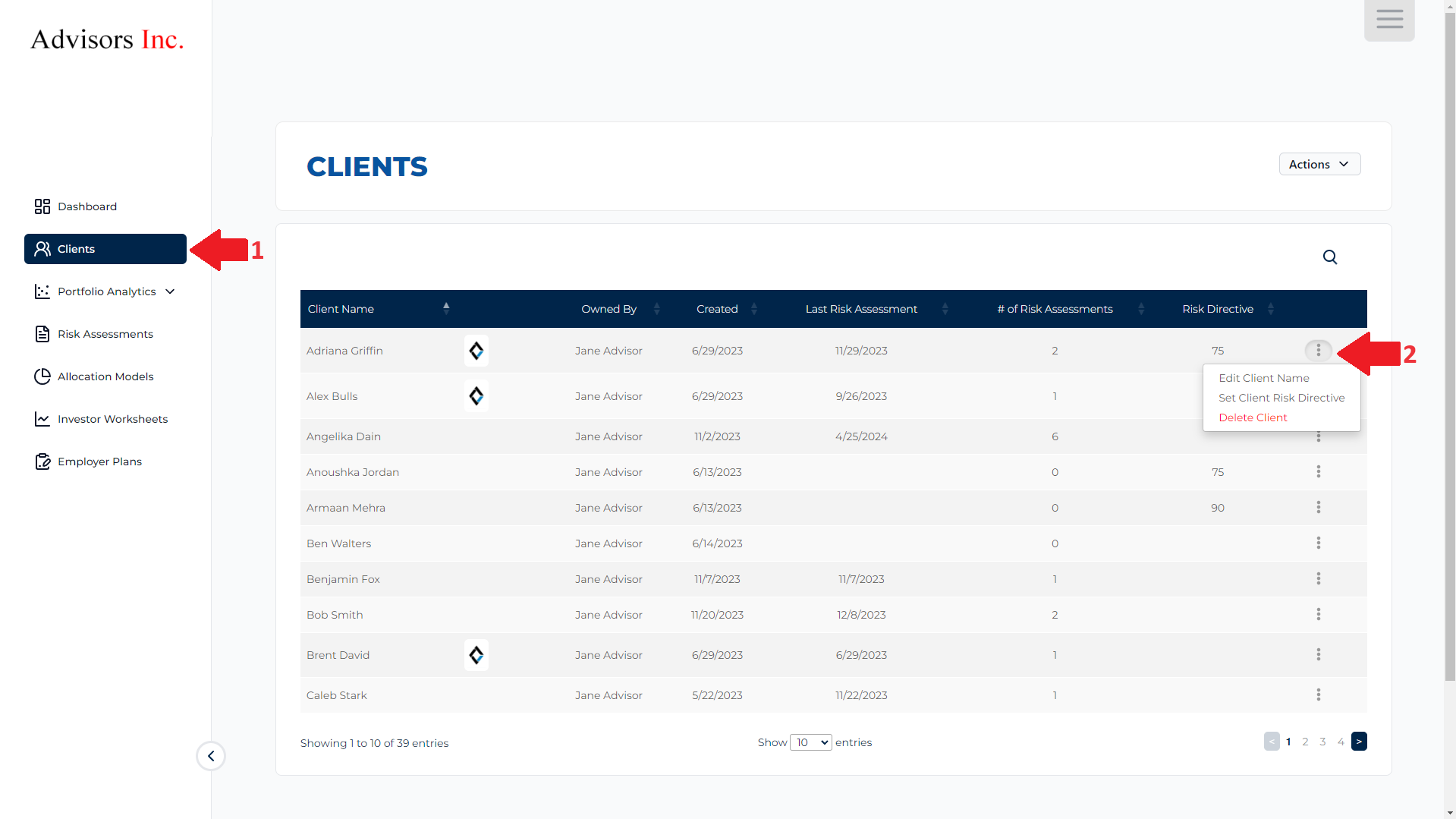
In the Clients Tab, you can-
- Add new clients - manually or importing through Integration/s
- Edit current client info
- Remove clients
- Start Assessments/Send worksheets
- Set defaults
The video below will walk you through the steps of completing the actions mentioned above -